
OpenAI released its own browser called Atlas. It is a real browser with ChatGPT inside it. macOS only for now.
I tested it. Here is the short truth.
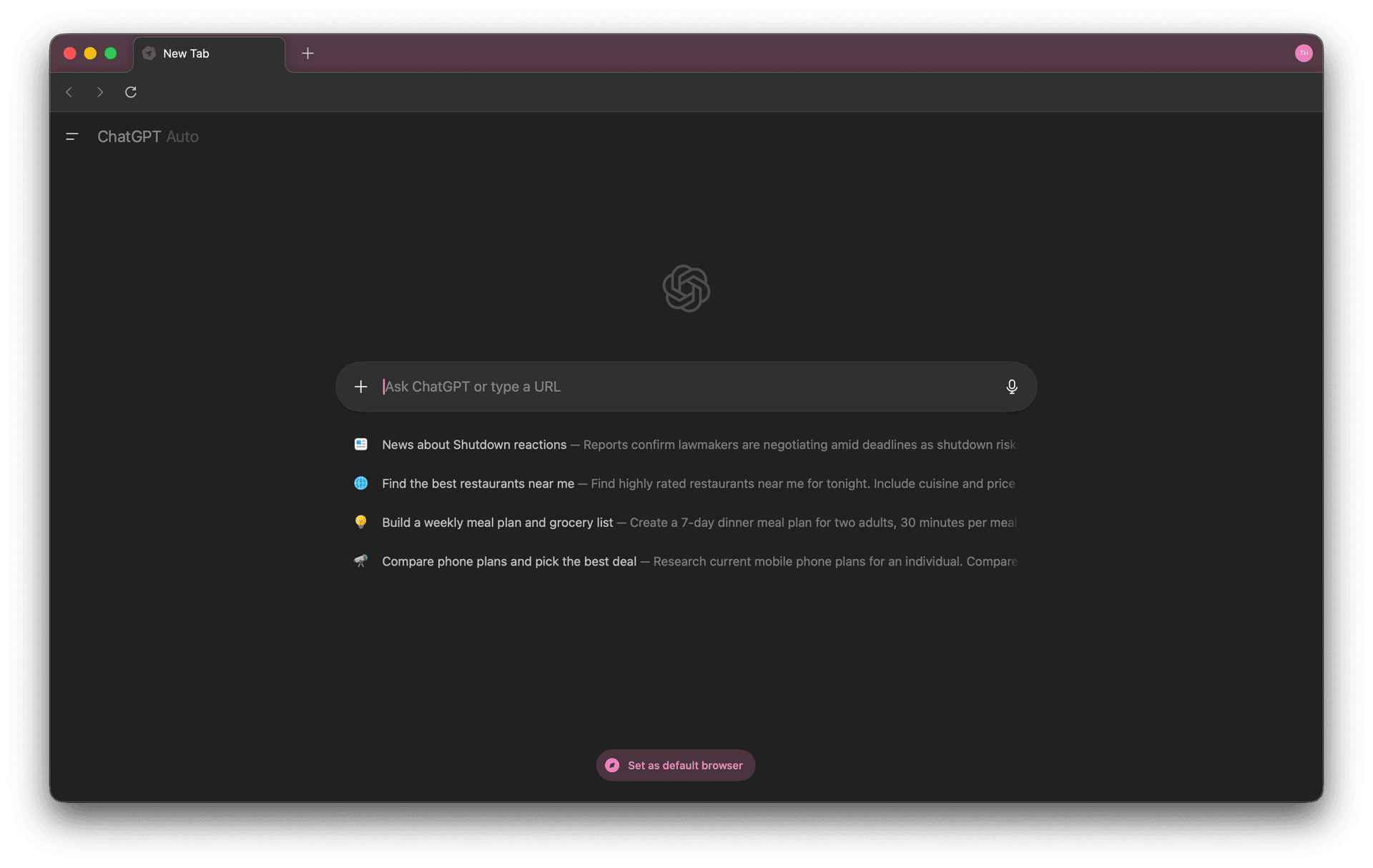
What it does
You browse like normal. But the AI watches what you do and can help, explain, or do tasks for you.
This is called Agent Mode. It can open tabs, click buttons, fill forms, and shop.
Free users get the browser. Agent Mode is paid and still in preview.
My tests
Flights to Lisbon
It opened websites and compared prices. Took about 40 seconds. Decent.
Sign up form
It filled some fields, then got stuck on CAPTCHA and said nothing.
Online groceries
It added items but changed two of them without asking.
Plus users only get 40 agent actions per month. Even follow up questions count. You can burn them very fast.
The main issue is speed. It is slow. Slower than doing it yourself.
Privacy
Atlas remembers everything you browse. All of it.
In a privacy test of 13 browsers, Atlas scored 99 out of 100 risk. The worst one.
| Browser | Privacy Risk |
|---|---|
| ChatGPT Atlas | 99 ⚠️ |
| Chrome | 76 |
| Firefox | 50 |
| Safari | 49 |
| Brave | 22 |
Researchers also found Atlas can be tricked into saving hidden instructions from bad websites. These stay across all your devices.
You can turn memory off. Most people will not.
Search problem
Search results often show AI answers without real links. That means less traffic for real websites.
If AI browsers become normal, many blogs and indie sites may lose their visitors.
What is good
Reading long pages is nice. Highlight text and get instant summaries. That part works well.
The AI also has limits. It cannot run code, download files, or touch sensitive sites without you.
Should you use it
Try it for fun. It is free.
But do not use it as your main browser.
Do not save personal data.
Do not use payments.
Atlas is interesting but slow, buggy, and bad for privacy. The idea is future tech. The product is not ready yet.
Download Atlas
No affiliate links. Just my honest test.